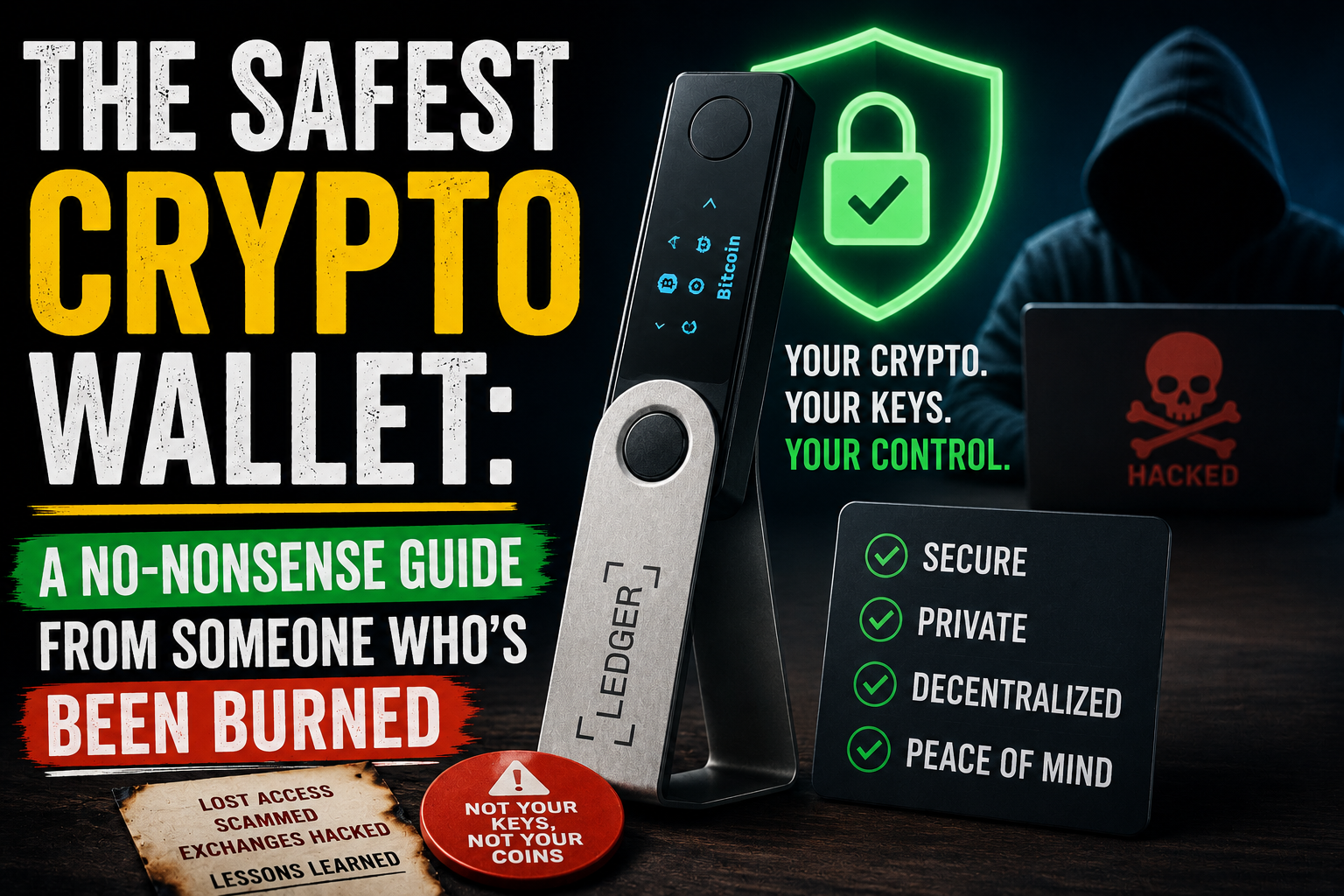
The Safest Crypto Wallet: A No-Nonsense Guide From Someone Who’s Been Burned Look, I’ll cut straight to the chase. You’re asking about the safest crypto wallet because you’ve either heard horror stories of people losing everything, or maybe you’ve already had a close call yourself. I get it. I’ve been in this space since 2017, and I’ve watched friends lose six-figure sums to stupid mistakes that could have been avoided with basic knowledge.
There’s no perfect answer here. Anyone who tells you different is trying to sell you something. But after years of trial and error, losing money to hacks, and recovering wallets from dead hard drives, I’ve learned what actually works.
What Most People Get Wrong About Wallet Safety
Before I name specific wallets, let me clear up the biggest misconception floating around. Your wallet doesn’t actually hold your crypto. I know, sounds crazy right? What it holds are your private keys – the cryptographic proof that you own specific coins on the blockchain. Lose those keys, lose your money. Someone else gets those keys, they control your money. It’s that simple.
This is why exchange wallets are dangerous. When you keep Bitcoin on Coinbase or Binance, you don’t own those keys. You own an IOU. The exchange holds the real keys. Sure, it’s convenient. But convenience and safety rarely walk hand in hand in crypto.
I learned this lesson in 2019 when a smaller exchange I used got hacked. Nothing major, just a few thousand dollars. But the exchange froze withdrawals for three months while they sorted things out. Couldn’t touch my money. That’s when I stopped messing around and got serious about self-custody.
The Cold Hard Truth About Hardware Wallets
These are widely considered the safest option for most people. A hardware wallet is a tiny computer that does exactly one thing – generate and store private keys offline. When you want to make a transaction, you physically plug it in or connect via Bluetooth, confirm the transaction on the device itself, and the keys never touch your internet-connected computer or phone.
Ledger dominates this space for a reason. Their Nano X and Nano S models have been battle-tested by millions of users. The Nano S is cheaper and does everything you need, but the storage space is limited – you can only install a few apps at once. The Nano X has Bluetooth and more storage, perfect if you trade multiple coins.
But here’s something nobody tells you about Ledger. Their 2020 data breach leaked customer information including emails and physical addresses. No funds were stolen from the devices themselves, but suddenly people who bought Ledgers started getting phishing emails and physical threats. Some guy showed up at a customer’s house pretending to be from Ledger support. Scary stuff.
Trezor is the other big name. Made by SatoshiLabs, these Czech-made devices are completely open source, which security experts love because anyone can audit the code. The Model T has a touchscreen and supports more coins than the cheaper Model One.
Trezor had their own drama though. In 2017, researchers found a physical attack vector – someone with soldering equipment could extract keys from the chip. They patched it in newer models, but it shows that no device is 100% unhackable.
Blockstream Jade deserves a mention. It’s cheaper than both Ledger and Trezor, fully open source, and has some clever security features like blind oracles that protect against supply chain attacks. The learning curve is steeper though. This isn’t a wallet for beginners.
The Cold Storage Method That Never Touches The Internet
Paper wallets sound old school because they are. You generate a key pair on an offline computer, print out the private key and public address, then store that piece of paper somewhere safe. That’s it. No firmware updates, no batteries dying, no USB ports to worry about.
I used paper wallets for years. Printed them myself on a printer that had never been connected to the internet, using an old laptop running Ubuntu from a live USB. Paranoid? Maybe. But when you’re storing life-changing amounts, paranoid is appropriate.
The problem with paper wallets is spending from them. To move your funds, you need to sweep the private key into a software wallet. That process exposes the key to an internet-connected device. Plus paper burns, gets wet, fades over time. I’ve seen people store paper wallets in “fireproof” safes that couldn’t survive an actual house fire.
Metal backup plates solve the physical durability issue. You stamp your seed phrase onto titanium or stainless steel. Companies like Cryptosteel and Billfodl sell these for around $50-100. Or you can buy a set of metal stamps and a piece of aluminum from the hardware store for ten bucks. Same result, less marketing.
Mobile And Desktop Wallets For Smaller Amounts
Not everyone needs a hardware wallet. If you’re trading frequently or only hold a few hundred dollars worth of crypto, the inconvenience of hardware wallets isn’t worth it. But you still need something safer than an exchange.
Trust Wallet (owned by Binance) is what I recommend to new people. Simple interface, good coin support, non-custodial meaning you control the keys. The code isn’t fully open source though, which bothers privacy purists. And Binance’s involvement makes some people nervous after watching regulators circle that exchange like sharks.
Exodus is beautiful software. Gorgeous interface, built-in exchange, and they just added hardware wallet integration. The problem? It’s not fully open source either. And it has a closed development model. The team has been solid so far, but you’re trusting them completely.
Electrum is the granddaddy of Bitcoin wallets. Ugly as sin, forces you to understand UTXOs and fees manually, but it’s been around since 2011 and has survived every attack thrown at it. Fully open source, supports hardware wallets, and has advanced features like multisignature transactions. Only for Bitcoin though, nothing else.
BlueWallet deserves love too. Mobile-only, supports Bitcoin and Lightning, works great with hardware wallets. The interface is clean without dumbing things down. Their Lightning implementation is surprisingly robust for a mobile wallet.
The Advanced Stuff That Actually Matters
Now we’re getting into the deep end. Most people don’t need any of this, but if you’re serious about security, pay attention.
Multisignature wallets require more than one private key to authorize a transaction. Set up a 2-of-3 multisig and even if someone steals one key, they can’t touch your funds. You can store keys in different locations – one on your phone, one on a hardware wallet, one in a safety deposit box. Lose any single key and you still have control.
Casa and Nunchuk make multisig accessible for normal people. Casa starts at around $10 per month and guides you through setting up a 2-of-3 or 3-of-5 setup. Their key replacement service is worth the money – if you lose one key, they help you move funds before replacing it.
Air-gapped devices take offline signing to the extreme. You create transactions on a hot device, transfer them via QR code or microSD card to an offline computer that signs them, then transfer back. The signing device never touches any network. This is overkill for 99% of people, but if you’re securing millions, this is the gold standard.
The SeedSigner project lets you build your own air-gapped signing device for around $50 in parts. You need basic electronics skills and patience. The result is completely transparent hardware that does exactly what you want and nothing else.
Where People Lose Money (Hint: It’s Rarely The Wallet)
Here’s the uncomfortable truth I learned from years of watching people get wrecked. The wallet itself is almost never the problem. The problem is always between the chair and the screen.
Phishing attacks are responsible for most crypto theft. You get an email that looks like it’s from your wallet provider. Weird activity detected, please verify your seed phrase. Or you Google “Ledger Live” and click the sponsored result that leads to a perfect copy of the real site. Type in your seed phrase and your funds disappear instantly.
I almost fell for this in 2021. Got an email that looked exactly like a Trezor alert. My heart dropped. Clicked the link, started typing my seed phrase, and my girlfriend asked me a random question. That interruption saved my money. I looked closer at the URL and saw it was trezor-sso.ru instead of trezor.io.
Malware on your computer is another killer. Screen grabbers, clipboard hijackers, keyloggers. You copy a wallet address to send crypto, paste it, and malware swaps it with the attacker’s address. The transaction looks normal until you realize your money went somewhere else.
Social engineering is getting scary sophisticated. Attackers research targets, impersonate customer support, fake entire websites. Some groups run ads on Google and Twitter that appear days before a legitimate product launch, tricking people into downloading compromised software.
My Actual Setup In 2024
Since you asked for real experience, here’s what I personally use. Take what works for you, ignore the rest.
For long-term storage of anything I’m not touching for years: A Trezor Model T with a passphrase. The passphrase is the key. Even if someone gets my seed phrase, they still need a second password that I’ve never typed anywhere except on the Trezor itself. My seed phrase is stamped on steel plates in two different physical locations that I won’t describe here for obvious reasons.
For daily spending and trading: A Ledger Nano X, but I don’t keep more than a month’s expenses on it. If I lose it to a mugging or airport theft, I’m annoyed but not ruined.
For my phone: BlueWallet with a tiny amount for Lightning payments. Coffee, snacks, that kind of thing. Nothing I’d cry over losing.
For backup: A SafePal hardware wallet I keep with a trusted family member. They don’t know what it is or what the PIN is. They just know to give it to me if something happens.
I also have a paper wallet from 2017 that still holds some dust. Couldn’t tell you the last time I looked at it. Probably worthless now. But I can’t bring myself to throw it away.
The Rules I Never Break
After years of mistakes near-misses, these are my non-negotiables.
Never, ever, under any circumstances, type your seed phrase into any website, app, or computer. Not to “verify” your wallet. Not to “restore” your account. Not for any reason. The only place a seed phrase goes is directly into a hardware wallet device or a clean offline computer running wallet software.
Never store your seed phrase digitally. Not in a password manager. Not in a photo on your phone. Not in a Google Doc. Not encrypted in an email draft. If it’s digital, it’s vulnerable. Pen and paper. Metal stamping. Nothing else.
Always buy hardware wallets directly from the manufacturer. Not Amazon, not eBay, not a reseller. Supply chain attacks are real. Pay the extra shipping cost.
Always set up a new hardware wallet completely fresh. Even from the manufacturer, initialize it yourself, generate new seeds. Don’t use pre-configured devices.
Always test with a small amount first. Send five bucks to a new wallet. Wipe the device. Restore from your seed phrase. Verify you can access that five bucks before transferring serious money. This takes ten minutes and saves potential heartbreak.
Always update firmware before first use and whenever security updates come out. But check official sources for update announcements. Fake update notifications are a common phishing vector.
What The Experts Won’t Tell You About Wallet Safety
Here’s the stuff that doesn’t sell products.
The safest wallet is the one you can actually use. A $200 hardware wallet sitting in a drawer because it’s too complicated doesn’t protect anything. A simple mobile wallet with good habits is safer than a hardware wallet used incorrectly.
Seed phrase storage is more important than wallet choice. You can have the most expensive hardware wallet on the market, but if your seed phrase is written on a sticky note under your keyboard, you’re exposed. Spend more time on backup strategy than wallet research.
Most people don’t need exotic security measures. If you have less than $10,000 in crypto, a quality mobile wallet with a strong phone passcode and good opsec is probably fine. The effort to secure small amounts often leads to mistakes that cause loss.
Your threat model matters more than any wallet feature. Who are you protecting against? Random hackers? The government? Your roommate? A vengeous ex? Different threats require different countermeasures. Know your actual risks before buying gear.
Diversification applies to wallets too. Don’t keep everything in one place. Split funds across multiple wallets with different seed phrases. If one gets compromised, you lose something but not everything.
The Bottom Line From Someone Who’s Been There
If you want one recommendation for the safest crypto wallet for most people, get a Ledger Nano S or Trezor Model One. Both cost around $60. Set it up directly from the manufacturer. Write your seed phrase on paper, store it somewhere not obvious. Put that paper in a waterproof bag in a fire resistant box if you want to be fancy. Don’t take photos of it. Don’t type it anywhere. Send a small test transaction first. Then sleep better knowing your crypto isn’t sitting on some exchange waiting to be stolen.
But remember this. The wallet is a tool. You’re the security system. No amount of expensive hardware protects you from your own mistakes. Stay paranoid, stay humble, and never get comfortable. The moment you think you’ve figured it all out is the moment you become vulnerable.